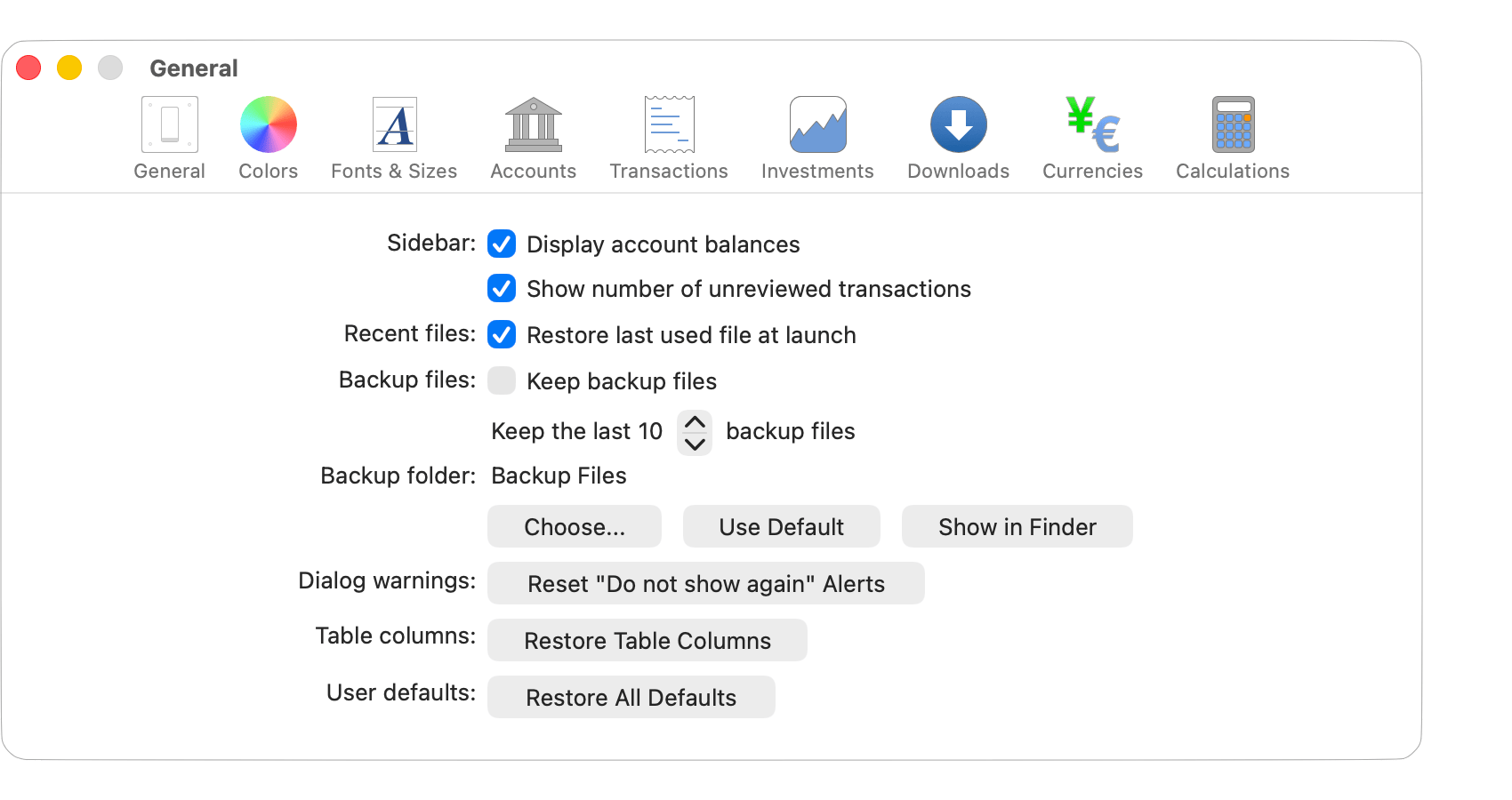

There's numerous settings available that cover both form and function in the program. Review the available settings to learn more about the different ways that you can customize SEE Finance to fit your needs. You can access the program's settings through the program's main SEE Finance menu located at the very top left of your screen or by pressing Command-Comma (,).