

There's a few settings specific to accounts that you can learn more about below.
The Accounts settings can be found in the program's settings.
Access the program's settings by tapping  underneath the main account list and then choose the "Settings" option.
Account settings view
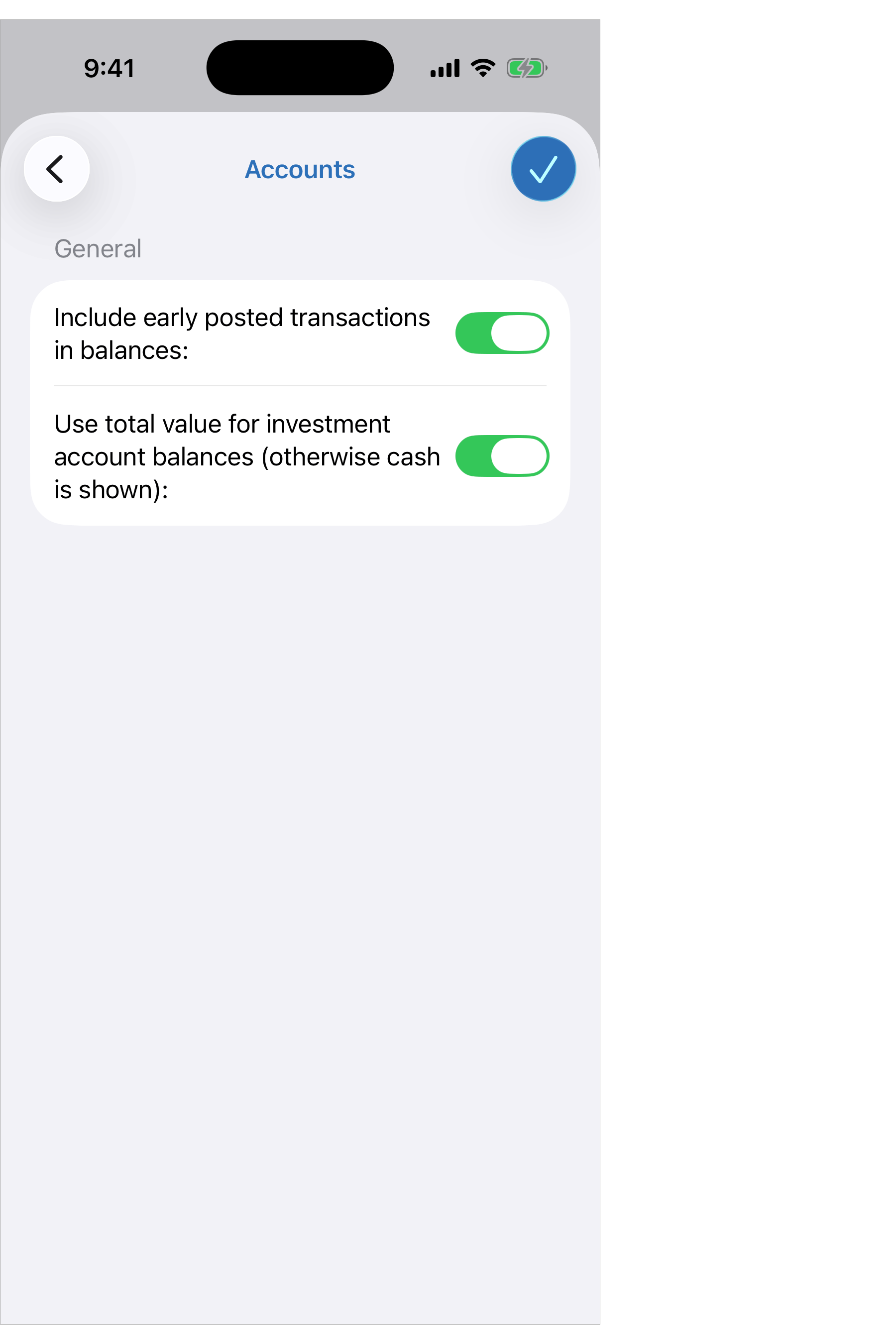
Account settings info:
- Include early posted transactions in balances: Whether or not to include transactions with dates after today in the primary balance listings. On by default.
- Use total value for investment accounts (otherwise cash balance is shown): Whether or not to show the total value or just the cash balance for investment accounts in their primary balance listings. On by default.